
The group chat has a cake photo, a date and several offers to help. Then someone asks, “Have the invitations gone out?” Everyone thought someone else was doing it.
Co-hosting a baby shower means two or more people share the planning and hosting. Agree on a budget, give each job one owner, and keep guest information in one place. That way, another pair of hands means help you can count on.
Try Out All Our Themes In Our New Free Demo
Here’s a practical way to plan together, whether you live nearby or are bringing a shower together from different cities.
Start With the Parents’ Wishes
Before choosing a theme, ask the parents-to-be what would feel comfortable. Do they want a small lunch, a bigger gathering, a virtual celebration, or a mix of in-person and online guests? Would they enjoy games and gift opening, or prefer time to chat?
Agree on these five things first:
- The celebration format and approximate guest count.
- A date that works for the parents and key guests.
- A spending limit that every host is comfortable with.
- Who should receive an invitation.
- Anything the parents would rather skip, including surprises or sharing photos publicly.
You don’t need to take every small decision back to the parents. Ask for their preferences, then let the hosting team handle the details.
Still deciding who should organize the celebration? Our guide to who hosts a baby shower covers that part of the planning.
Give Each Task One Lead Host
“We’ll all take care of it” sounds lovely until everyone assumes someone else sent the reminder. Choose one person to lead each task and another who can help if needed.
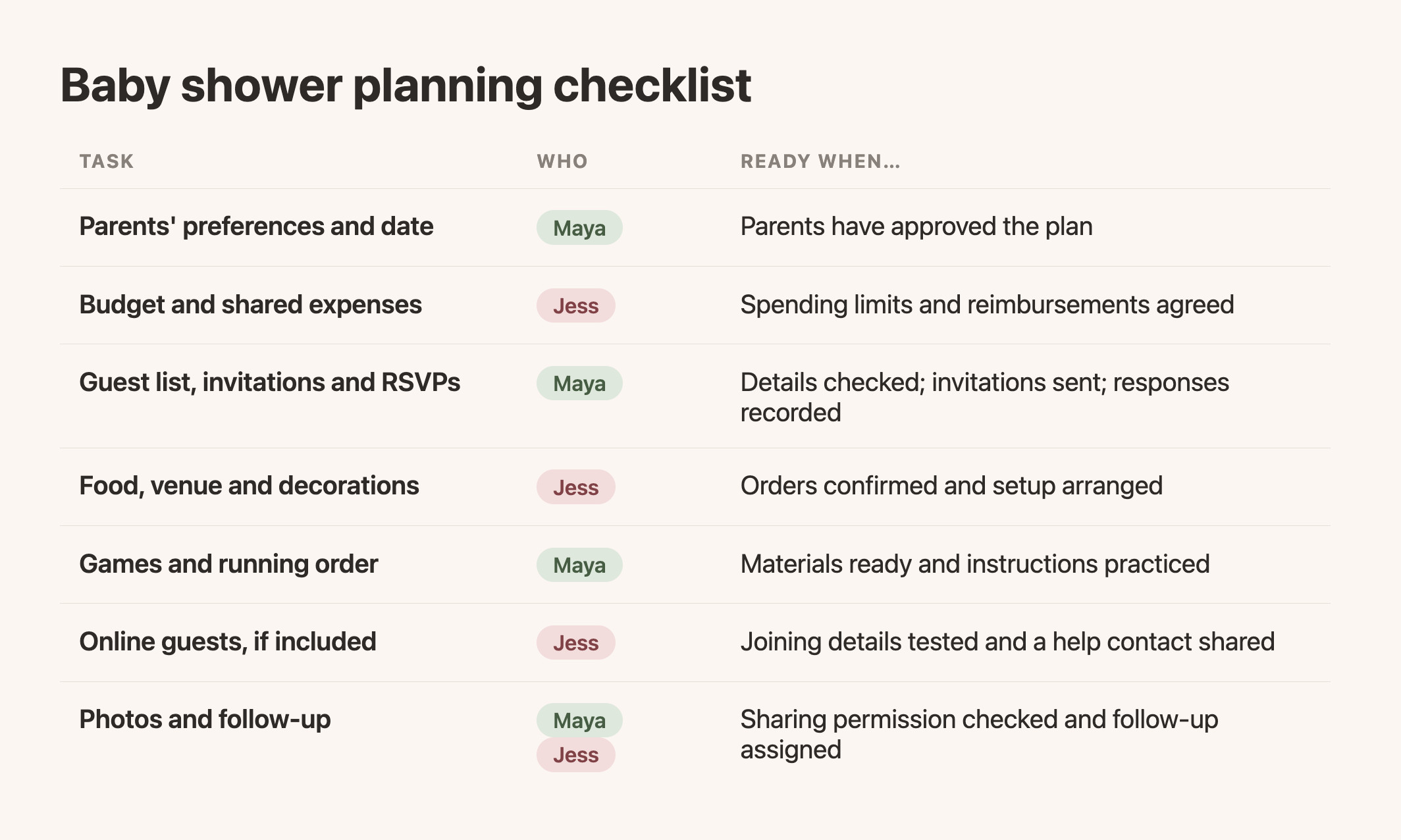
Copy this table into a shared note and replace the example roles with your names.
| Task | Person responsible | What needs to be ready? |
|---|---|---|
| Parents’ preferences and date | [Name] | Parents have approved the plan |
| Budget and shared expenses | [Name] | Spending limits and reimbursements agreed |
| Guest list, invitations and RSVPs | [Name] | Details checked; invitations sent; responses recorded |
| Food, venue and decorations | [Name] | Orders confirmed and setup arranged |
| Games and running order | [Name] | Materials ready and instructions practiced |
| Online guests, if included | [Name] | Joining details tested and a help contact shared |
| Photos and follow-up | [Name] | Sharing permission checked and follow-up assigned |
One person can have more than one role. A small shower might need just two hosts and a much shorter list.
For example, suppose Maya lives near the parents and Alex is helping from another city. Maya can arrange the food and room, while Alex sends invitations, follows up on replies and prepares a game. They review the guest list together before Alex sends anything. On the day, Alex welcomes online guests while Maya looks after the people in the room.
That’s a division of work you can adapt to where your own helpers live and what they enjoy doing.
Agree on Money Before Anyone Starts Shopping
Co-hosts don’t have to contribute identical amounts. Someone may have more time to give; another may offer a venue or enjoy making decorations. Discuss what each person can comfortably contribute before setting the total budget.
Choose a simple rule for purchases. For example: agree on each category’s limit, check with the other hosts before going over it, and keep receipts in the same shared folder.
Your expense note only needs four columns: item, agreed amount, person paying, and reimbursement status. Don’t assume the parents will cover a shortfall or that guests should make up the difference.
A useful opening message is:
I’m excited to plan this together! Before we book anything, can we agree on a total budget and what each of us feels comfortable contributing? We can divide the jobs around time and skills as well as money.
Keep One Guest List and One Set of Event Details
Ask the parents to review the guest list, then choose one place to maintain it. Separate spreadsheets, message threads and handwritten lists can easily lead to duplicate invitations or missed updates.
For each invitation, record the name, contact details, response and any information you actually need to host. If you’re holding a hybrid shower, record whether the guest plans to attend in person or online. Confirm this directly if your RSVP tool doesn’t collect it.
Agree on who sends the first invitation and who handles follow-ups. Other hosts can help, but they should check the current list before contacting someone again. A guest who already replied shouldn’t receive three “Are you coming?” messages.
Keep the event date, time zone, location or joining instructions identical wherever they appear. If something changes, update the main event information and tell the affected guests.
Use Co-Host Access Instead of Sharing a Password
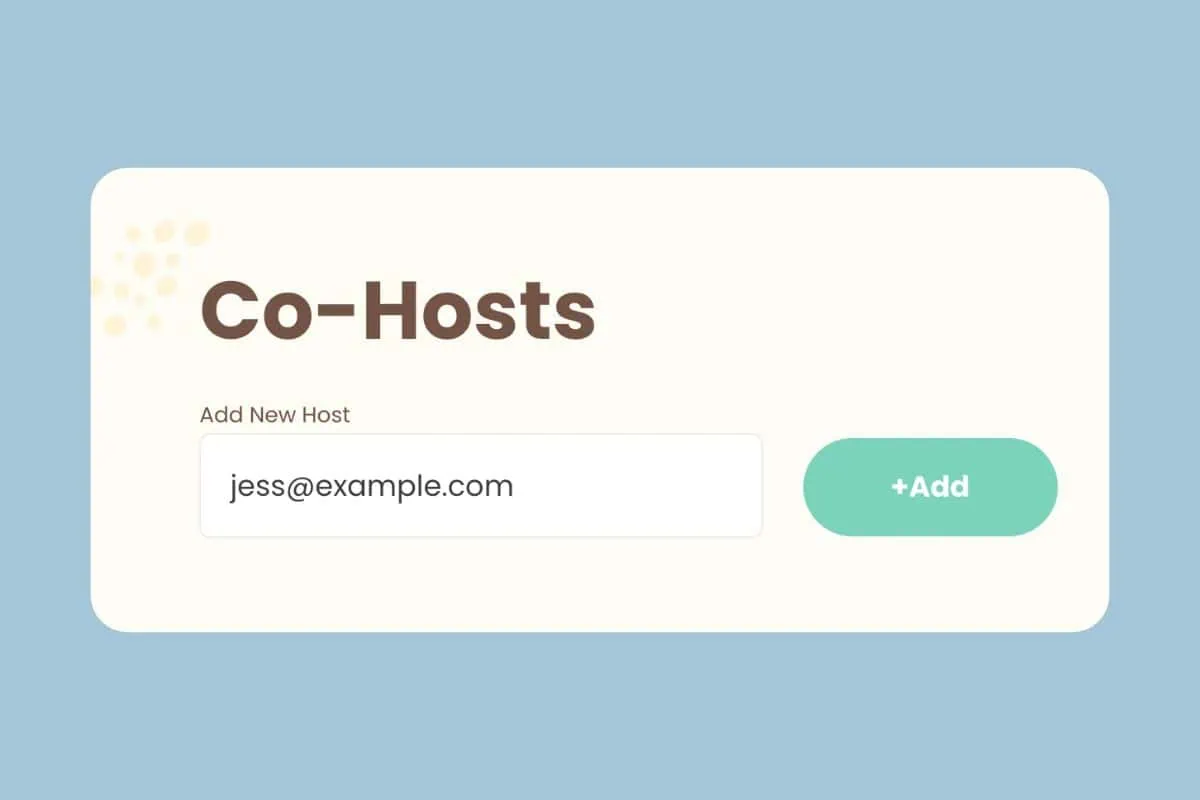
If your shower website supports co-host accounts, invite your helpers through that feature rather than passing around the main account password. Decide who will make which edits, and check that everyone can access the areas they need before invitations go out.
In WebBabyShower, you can invite a co-host using their email address. Follow the co-host setup guide, then have your helper sign in before you divide up the website tasks. Keep your spending plan in a shared note and your shower details on the website where guests will look for them.
Open a WebBabyShower demo with your co-host and look at the event details and registry links together. It’s a useful way to decide what you want on your own shower page.
Have One Short Planning Check-In
You probably don’t need a standing meeting for every decoration decision. Try one brief check-in after the guest list is settled and another before the shower.
Each host can answer:
- What have I finished?
- What needs a decision from someone else?
- What might need a backup plan?
Write the decisions in your shared note. Use your group chat for quick questions, but keep the final date, budget and responsibilities somewhere you can find without scrolling.
If you disagree, return to the parents’ preferences and the agreed budget. Two pretty themes don’t need to become two competing parties.
Divide the Jobs on Shower Day, Too
The person welcoming guests can’t also answer every technical question, serve food and lead a game. Decide who is doing what during the celebration.
For an in-person shower, one host can greet arrivals while another helps the parents and keeps the activities moving. For a hybrid shower, give online guests a named host who checks that they can hear and brings their comments into the room. Our hybrid baby shower guide has more setup ideas.
Before the party begins, check the invitations, event details and any video link together. Have the materials for your first activity ready. If something runs late, agree which optional activity you’ll shorten rather than rushing every guest.
Co-Hosting a Baby Shower FAQs
How Many Co-Hosts Should a Baby Shower Have?
There isn’t one right number. Two hosts can share a small shower comfortably; a larger or hybrid event may benefit from extra help. Give every helper a clear role so a bigger team doesn’t mean more confusion.
Do Co-Hosts Have to Split the Cost Equally?
No. Agree on contributions before spending, taking everyone’s time, resources and comfort level into account. An equal split is one option, not a requirement.
Whose Name Goes on the Invitation?
You can list all the hosts, but choose one main contact for questions. For example: “Hosted with love by Maya and Alex. Please contact Maya with any questions.” Use whichever names and contact details your group approves.
What If a Co-Host Can’t Help at the Last Minute?
Check the unfinished tasks together, move the essentials to someone who has capacity, and simplify the rest. A warm welcome and clear guest information matter more than keeping every decoration or game in the original plan.
Before You Start Shopping
Put a name beside each task, agree on the spending limit, and decide who sends the invitation. Then each host can get on with their part. The next message in the group chat can be a photo of the cake you chose together.
Throw a Virtual Baby Shower so Everyone Can Celebrate!
• Explore the demo before choosing a plan
• Only 1 Minute Setup!
• 80+ Custom Themes & Matching Invites
• Use Any Online Registry
• Send Unlimited Invites and Updates
• Baby Shower Games with Scoreboards, Give Prizes!