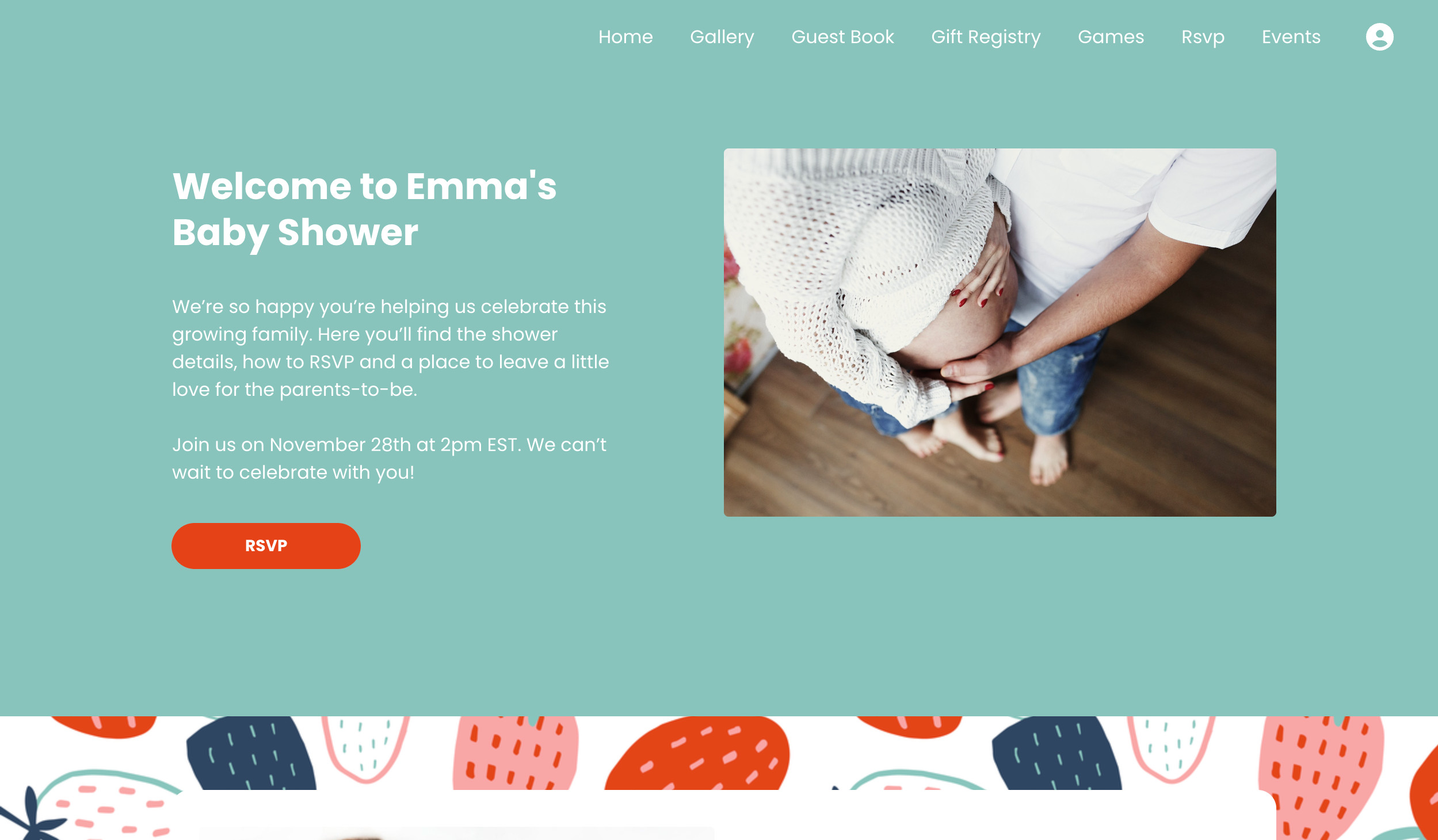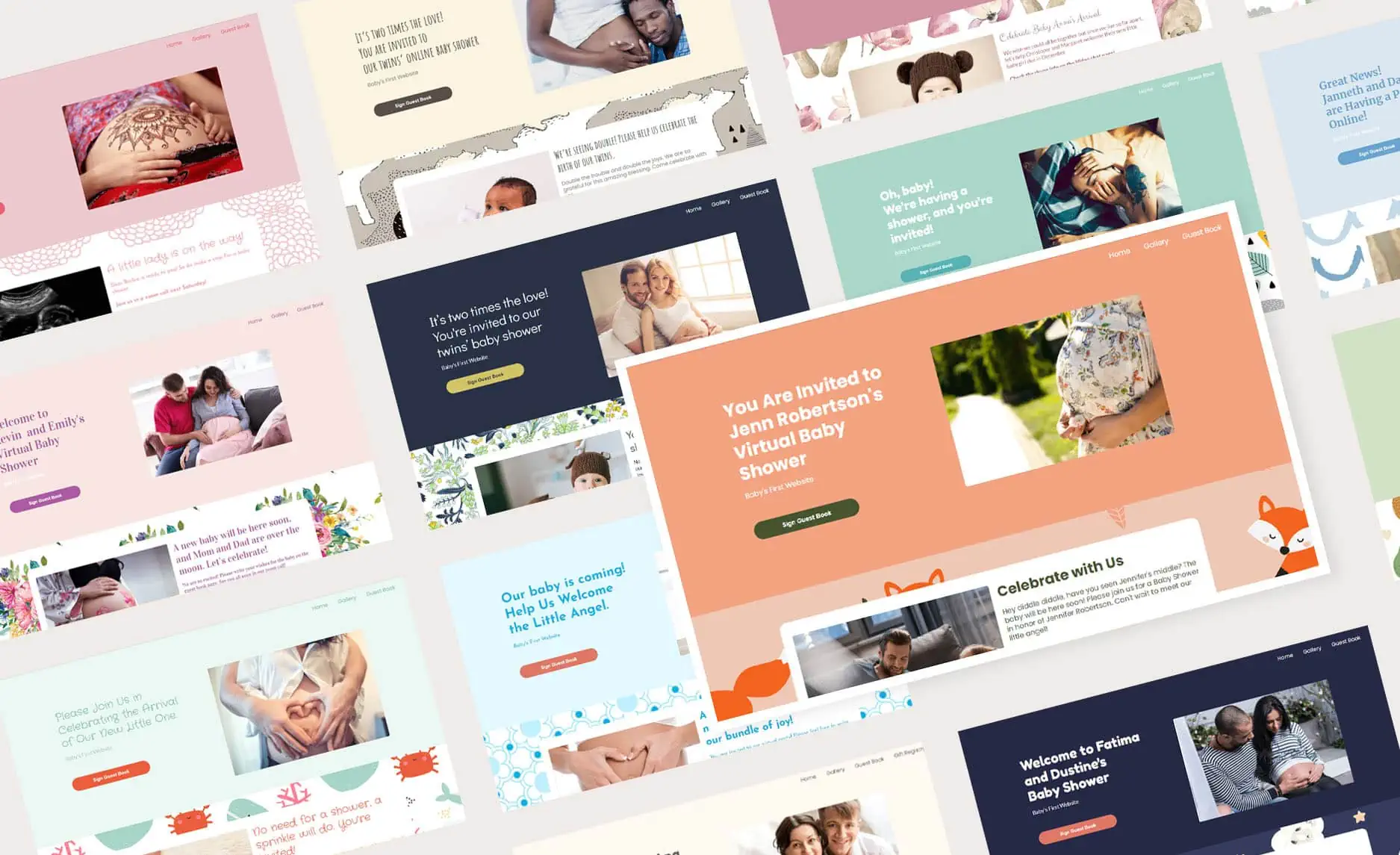
Quick answer. If all you need is a date, a place and a head count, a free digital invitation may be enough. Evite offers free designs, and extras such as removing ads can cost more. If you want a shower website that guests can revisit for the registry, games and photos, you can explore a WebBabyShower demo for free. Choose one of the paid hosting plans when you’re ready to invite people to your own shower.
A baby shower website example from the guest’s side
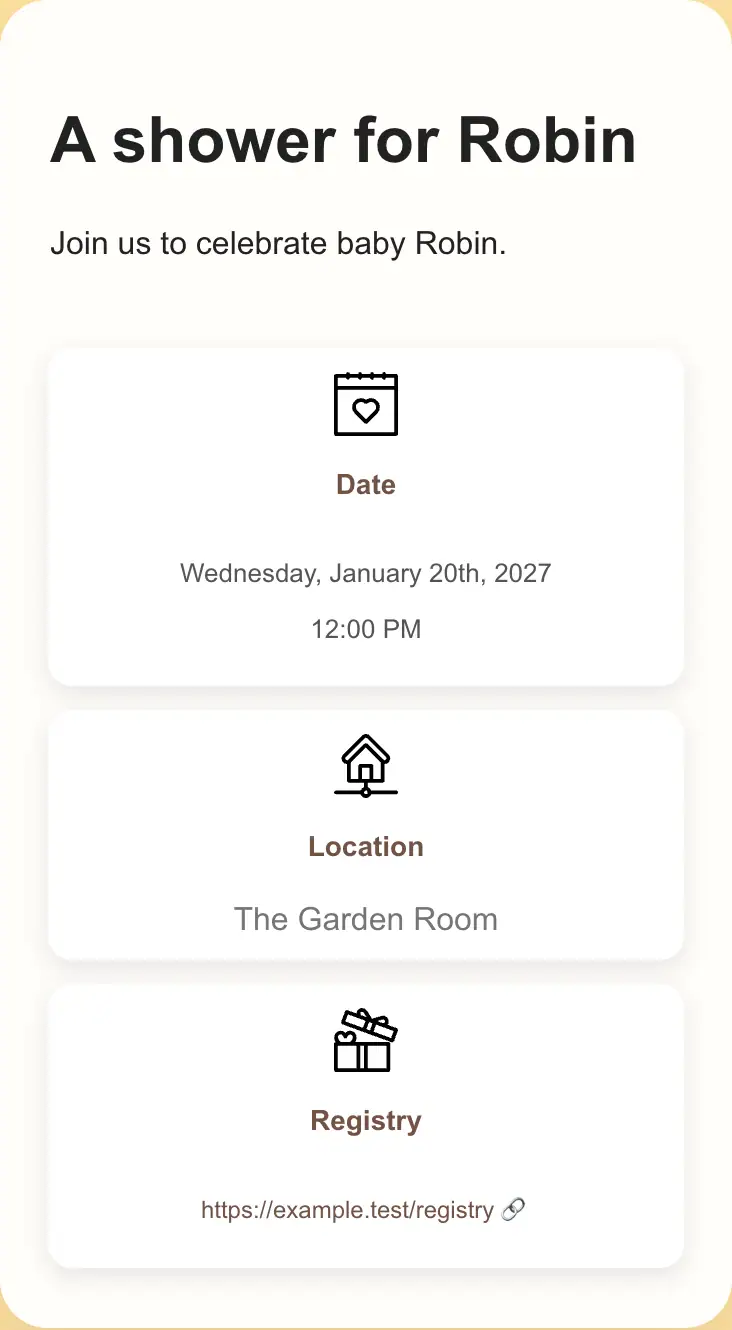
Suppose you’re hosting a shower for Robin. Your cousin opens the invitation on her phone between errands. She wants to know when to come, whether she can bring her partner and where you’re registered. What will she find when she opens the shower link?
First, the details she came for
In our sample shower, the RSVP page puts the date and location above the form. There’s room for a link to the registry you already use. Guests can follow it to shop with that store and come back to reply. If you’re inviting people across time zones, include the time zone in your invitation, too.
Then, a reply you can plan around
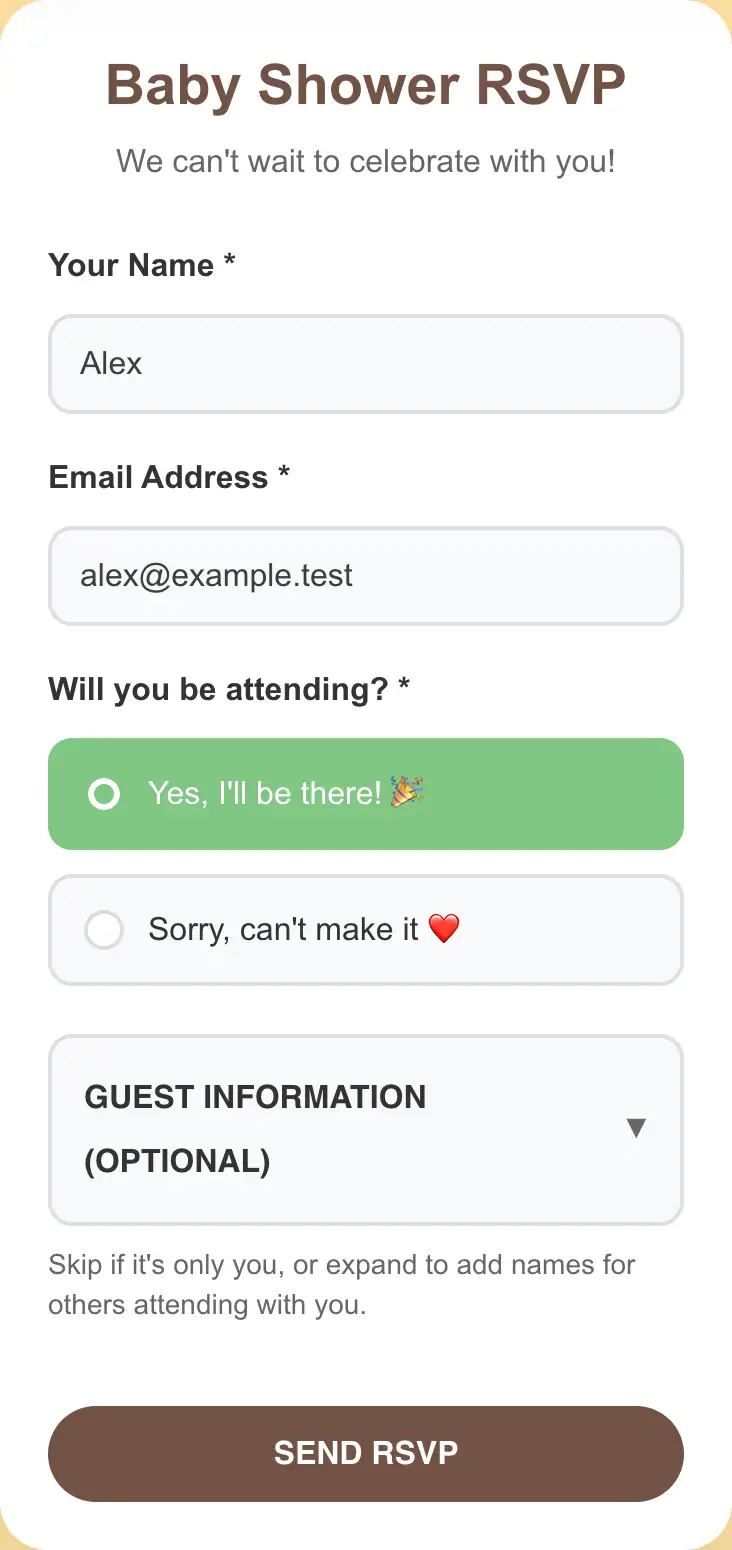
Your cousin enters her name and email, chooses whether she’s coming and selects Send RSVP. She can add a note for you on the next screen. Before you invite everyone, send yourself an invitation and try the same steps on your phone. It’s an easy way to catch a missing room name or an old registry link.
Looking for a baby shower website like a wedding website? Choose a theme and explore the free demo to see how one looks. When you’re ready to host your own shower, you can compare the paid plans.
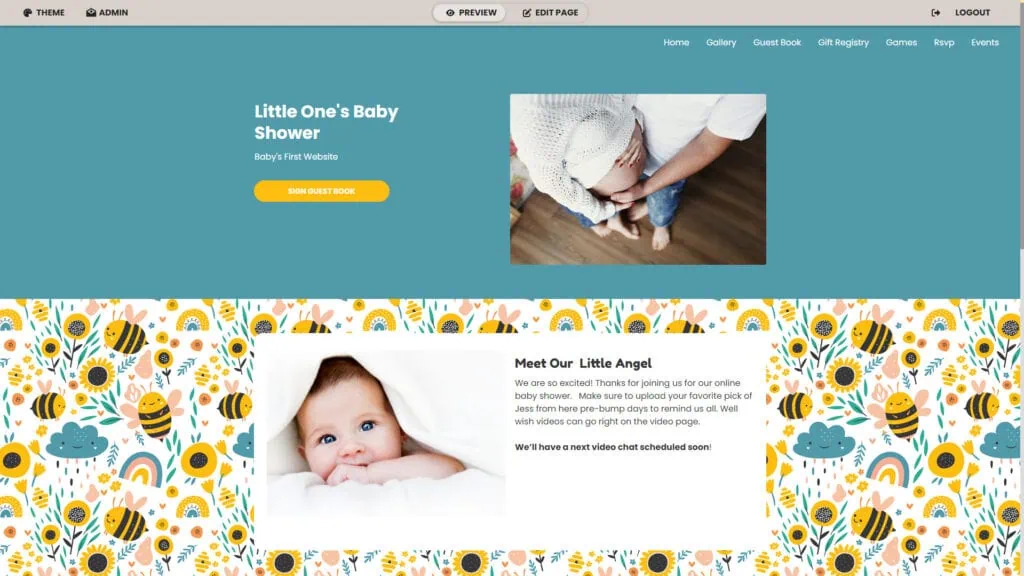
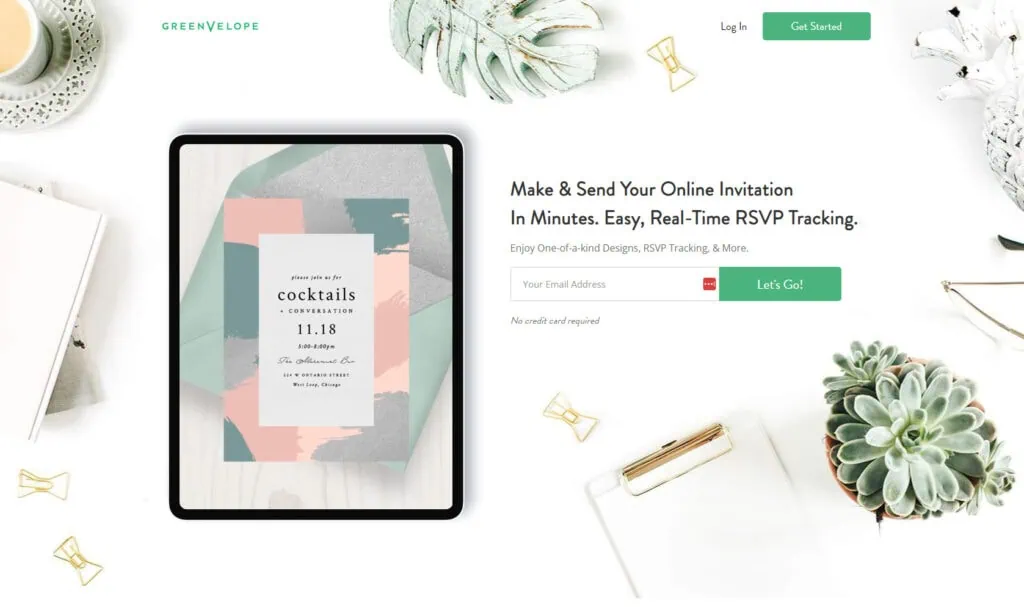
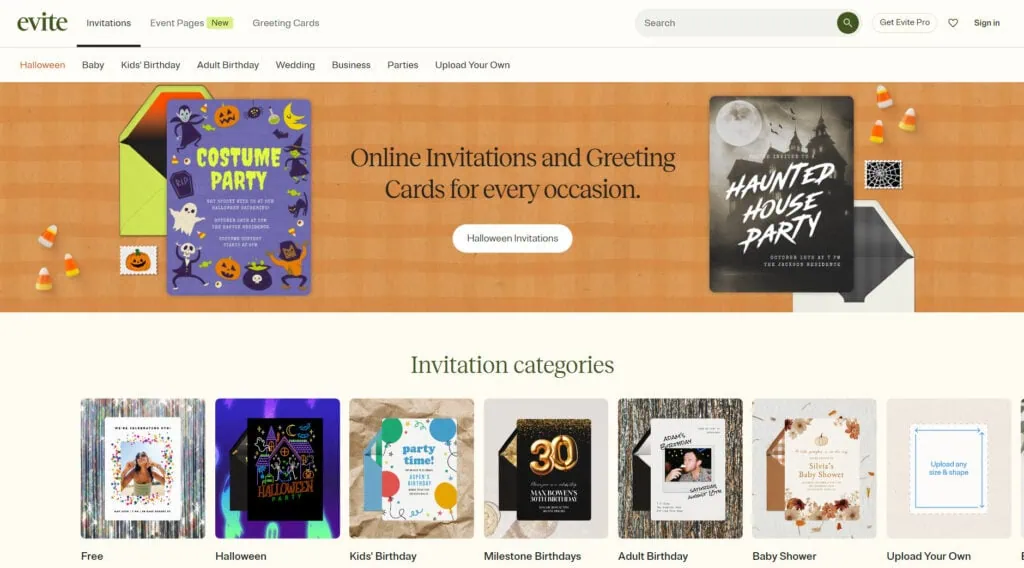
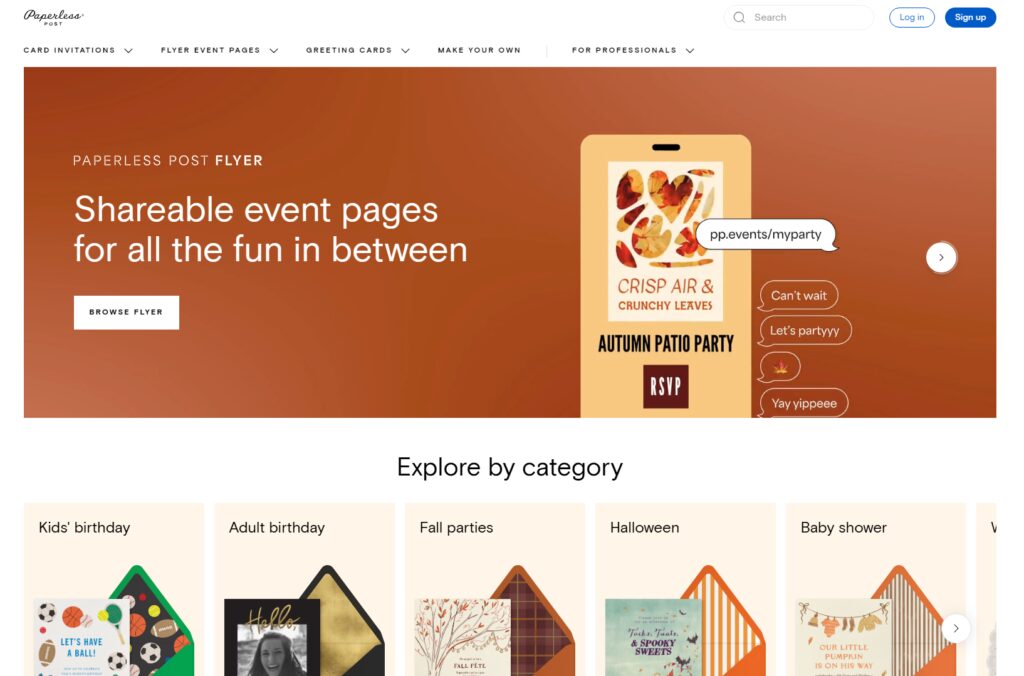
Top Baby Shower Websites
Start with your guest list. A family lunch for eight and a shower with guests in three time zones can call for different tools. Here’s what you can actually try before paying.
“WebBabyShower offers an all-in-one place for all your baby shower needs”

The links in this table go to the providers’ own offer details. Check the design and delivery method you plan to use.
| Provider | What can I try for free? | What to check |
|---|---|---|
| WebBabyShower | Explore a free demo. Hosting your own shower requires a paid plan. | Guests can reply, visit your existing registry and come back to the shower website. |
| Paperless Post | Some Flyers include up to 50 free email or text invitations. Check your chosen design. | Check that the design and features you select still qualify for free delivery. |
| Punchbowl | New users get a seven-day trial. A paid membership starts afterward unless you cancel. | Check your renewal date when you choose a membership. |
| Basic Invite | Its free website tool is designed for weddings. Baby shower stationery is a separate offering. | Preview the wedding wording if you plan to adapt the site for a shower. |
| Evite | Choose a free invitation design. Extras like ad removal or a custom shareable link can add a fee. | Look for premium additions when you review the invitation. |
| Greenvelope | Trial Mode lets you send to up to 10 people. A shareable card link requires an upgrade. | A small individually addressed guest list suits the trial. |
| You can create an event for people who use Facebook. | Plan another way to reach guests who don’t use Facebook. |
When you want a website for the whole shower
Send invitations and see who’s coming. Share your existing registry and keep shower photos together. Both hosting plans are one-time purchases.
Differences Between an Invitation Website and a Full Website
For an afternoon get-together, one invitation and a list of replies may be all you need. If you want relatives to play games or add photos and messages over time, look for a shower website with those features and an access period that fits your plans.
Is a free site also a baby shower rsvp website?
An RSVP is a feature, not a particular kind of site. Many invitation services collect replies. Check whether your guests will also have a place to find the registry, join a game or revisit photos after the event.
Read: WebBabyShower Vs. Free Baby Shower Websites
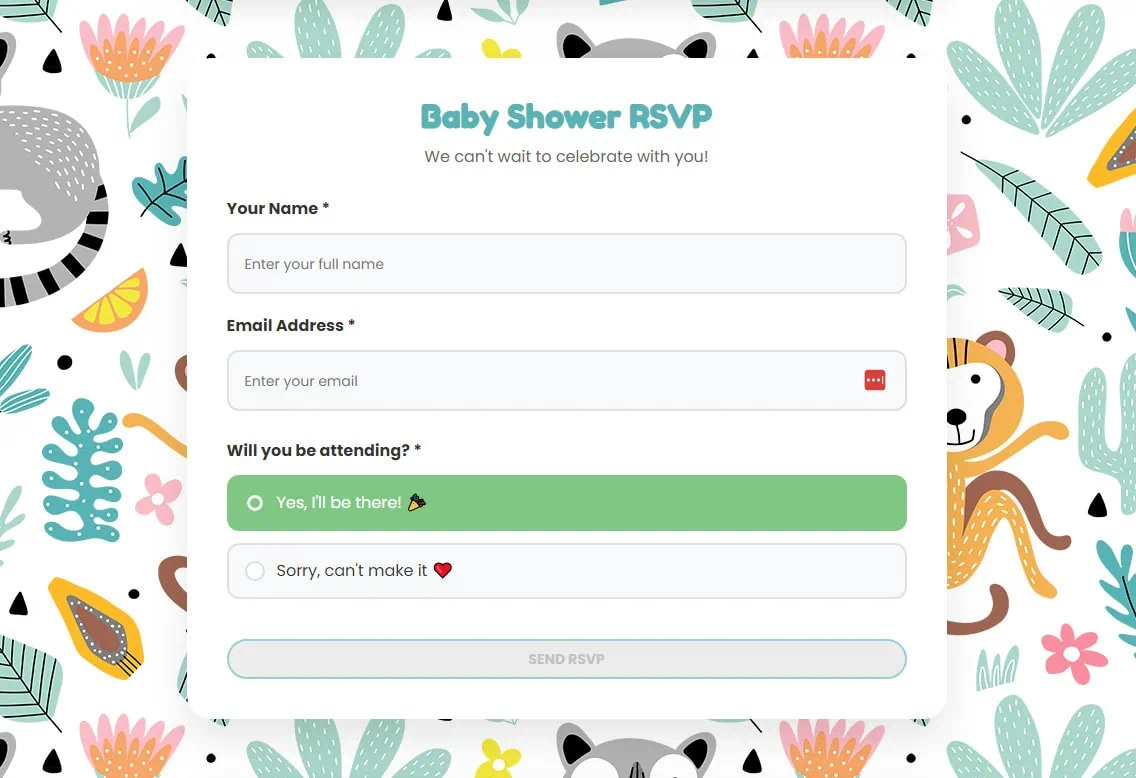
Six invitation and website options
Invitations, websites and event pages
Paid shower hosting and an archived comparison
1. Paperless Post
Takeaway
If you’re sending email or text invitations, start with a design marked free. A Paperless Post Flyer can include your event details and collect replies. Check its guest limit before you personalize it.
Features (or Description)
For example, the Digital Age Flyer includes 50 direct email or text invitations. It also offers a shareable link. Sending through the platform is useful if you want to track individual opens.
Cost
A useful check for a 50-person shower is to select a free Flyer, add the features you actually want, then review the total. The sample Flyer charges one Coin for each additional direct invitation after the first 50. Other designs and premium options can change the total.
Pros
- Nice designs
- RSVP tracking
Cons
- Premium design choices can change the cost.
2. Punchbowl
Takeaway
Punchbowl may suit you if you like its invitations and are comfortable with a membership. Check your send date and the trial end date together before entering payment details.
Features (or Description)
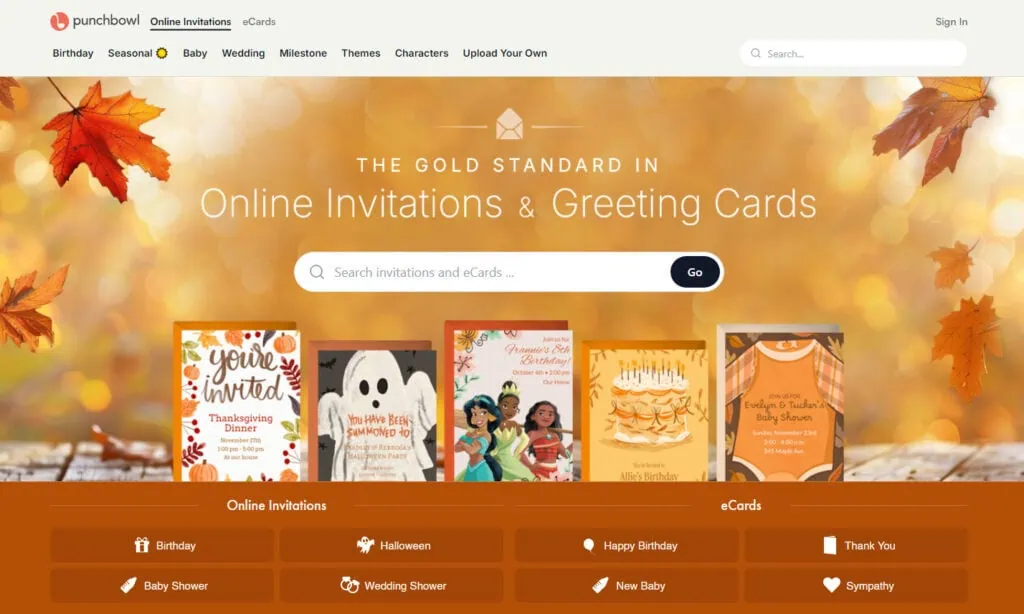
Punchbowl offers a seven-day trial to new users and asks for payment details when you choose a membership. Check the guest count and features on the plan you’re considering.
Cost
The membership starts automatically when the seven-day trial ends unless you cancel. Punchbowl explains both how the free trial works and how to cancel.
Pros
- Digital invitations with a new-user trial.
Cons
- A paid subscription starts after the trial unless you cancel.
3. Basic Invite
Takeaway
Basic Invite is worth a look when you want a printed shower invitation and matching thank-you cards.
Features (or Description)
Its baby shower stationery and free wedding website are separate offerings. The website tool is presented for weddings and includes RSVP management. Before choosing it for a shower, preview the guest-facing wording and check you can change the labels you need.

Cost
The wedding website tool is advertised as free. For printed shower invitations, check the total for your chosen design and quantity before ordering.
Pros
- Matching baby shower stationery.
- A free website tool for weddings.
Cons
- Check the wording and guest experience before adapting the wedding website.
4. Evite
Takeaway
Evite offers free designs for baby showers. Choose one of those if you want a digital invitation and a way to collect replies without buying a premium design.
Features (or Description)
Send an invitation by email or text and use the guest list to track who’s coming. Check your final design before sending. Adding a premium choice to a free design can change the price.
Cost
Evite lists extras such as ad removal and a custom shareable link among its paid upgrades. For a premium invitation, the price depends on the package and guest count.
Pros
- Free invitation designs and guest replies.
Cons
- Ad removal and custom shareable links can add a charge.
5. Greenvelope
Takeaway
For a gathering of up to ten people, Greenvelope’s trial lets you send individually addressed cards. A larger guest list needs a paid mailing.
Features (or Description)
Greenvelope’s Trial Mode has no time limit. It includes most design features, but sending to more than ten people, creating a shareable card link and using the Messaging feature require an upgrade.
Cost
Count the people you want to invite before choosing a package. If you plan to share one link in a family group chat, you’ll need a paid option even for a small shower.
Pros
- Amazing designs
- Some customization
- RSVP features
Cons
- Trial Mode limits sending to ten people and does not include a shareable card link.
6. Facebook
Takeaway
A Facebook event can work when your guests already use Facebook and your main goal is to agree on the time and place.
Features (or Description)
Put the shower details in the event and use the discussion for updates. Before inviting anyone, check who can see the event and who can send invitations. Send the details another way to anyone who doesn’t use Facebook.
Once you’ve invited everyone, your guests can talk on the event page and RSVP which is handy.
Cost
You can create a Facebook event without buying a shower hosting plan.
Pros
- A familiar event page for guests already on Facebook.
Cons
- Guests who don’t use Facebook need another way to receive updates.
Paid baby shower websites
1. WebBabyShower
Takeaway
Both WebBabyShower plans include invitations, RSVP tracking, registry links, games, photos and a guest book. You pay once for the access period you choose.

Features
Here’s what you can set up for your guests.
- Choose a shower theme and personalize your invitation.
- Send invitations and track RSVPs.
- Invite a co-host to help with planning.
- Share photos, games and guest-book messages.
- Add the link to a registry you already use. Guests shop on that registry’s own site.
The optional guest app gives guests another way to visit the shower. Here are some of its screens.
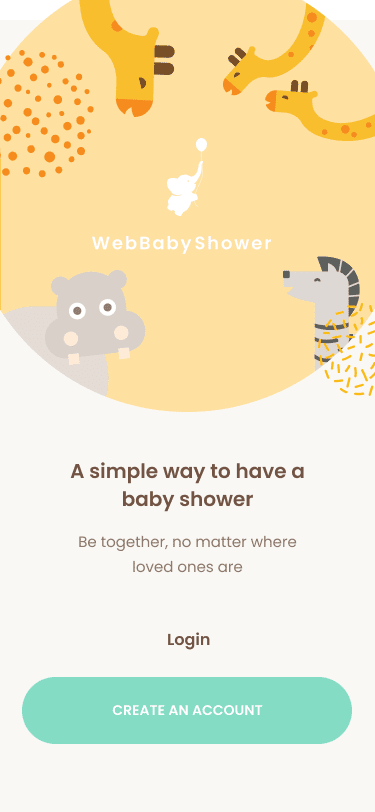


Guests who use the mobile app create their own guest account and join with the code you share. On the website, share your shower link with the guests you want to invite.
How long can guests revisit a WebBabyShower site?
Choose the access period that fits your plans. During that time, friends and family can revisit the shower to see photos and leave a message.
Start with a sample shower. Look at the guest view, try the RSVP form and decide whether you want to keep photos and messages together after the party.
Learn how WebBabyShower works
From the archive: Web Party Time

This is an archived comparison. For a shower you’re planning today, use the current options above.
Read WebBabyShower Vs WebParty Time
Frequently Asked Questions
Are Free Baby Shower Websites Really Free?
Some providers let you send a basic invitation for free. Check whether the design you picked, your guest count or an extra like removing ads changes the price. WebBabyShower has a free demo. Hosting your own shower is paid.
Are Baby Shower Websites the Same as Invitation Maker Websites?
An invitation helps you tell people when and where you’re gathering. Some invitation services also collect RSVPs. A shower website can give your guests a place to return to for the registry, games, photos or guest-book messages. Choose based on what you want them to do after they reply.
What are the Common Features of Invitation Maker Websites?
Many invitation services offer a choice of designs, delivery by email or text and a way to collect replies. Check the design and delivery method you plan to use before you add guests. Options such as a custom link or removing ads may cost extra.