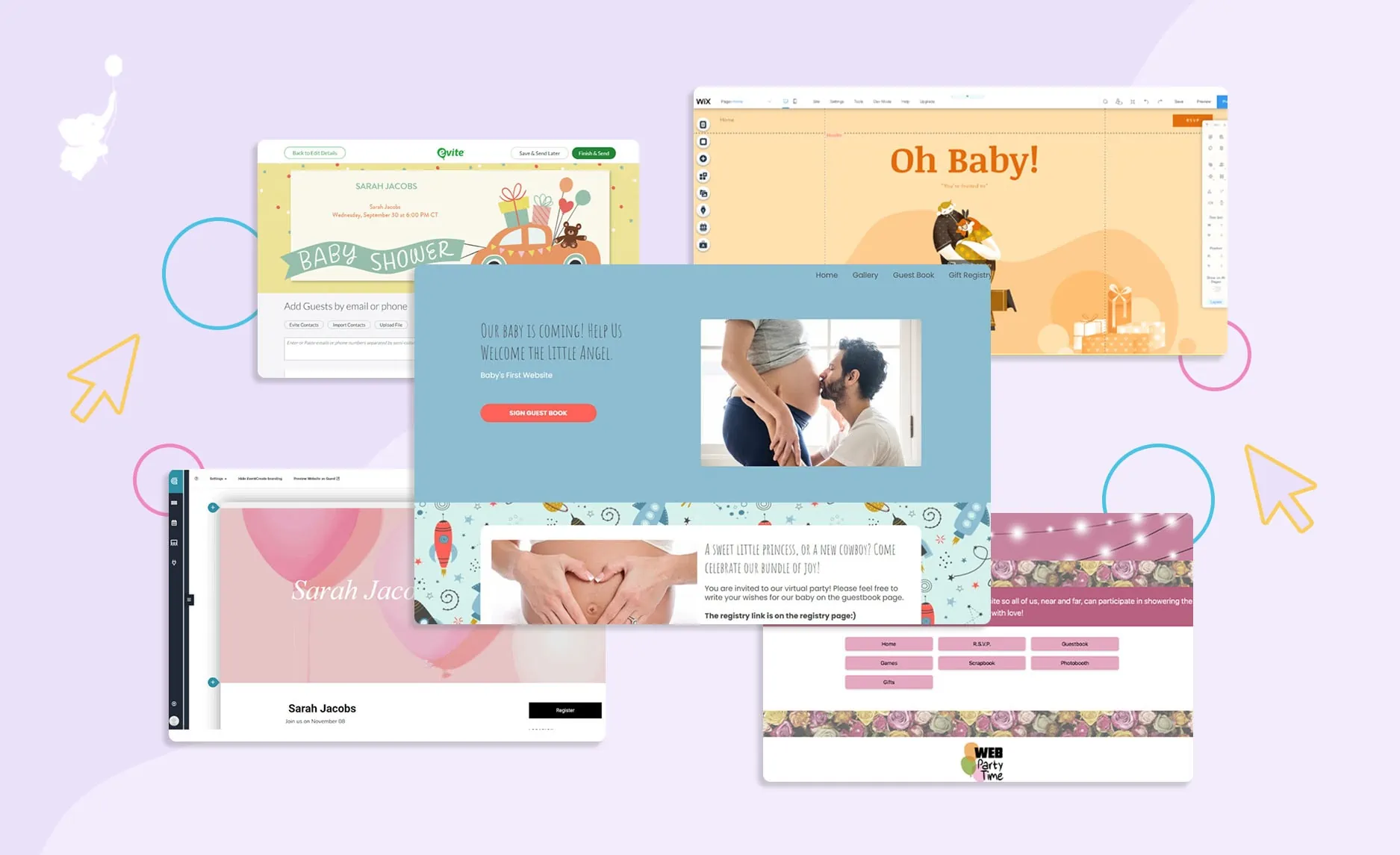
Before choosing a virtual baby shower platform, it’s important to understand what you can do with an online baby shower site. Make sure she is fully celebrated by including all her friends and family, not just those in town. How we do that at WebBabyShower.
Too many tout themselves as virtual baby shower ‘websites’, but don’t offer the value or functionality a host needs. A great virtual baby shower platform should facilitate every aspect of your shower from start to finish. Keep reading to find out the free & paid options and what they offer, or check out our step-by-step guide to hosting a virtual baby shower to help you plan your celebration!
Related Article: WebBabyShower Vs Web Party Time – Differences, Features, & Which to Choose
Throw a Virtual Baby Shower so Everyone Can Celebrate!
• Free Trial – 14-Day Refund for any reason
• Only 1 Minute Setup!
• 80+ Custom Themes & Matching Invites
• Use Any Online Registry
• Send Unlimited Invites and Updates
• Baby Shower Games with Scoreboards, Give Prizes!
Going Virtual, Features to look for in a Website: Games, Baby Registry for Gifts, Co-host Share, Baby Shower Ideas and Tips, and More
When deciding on a website, you should be sure to look for new features that make planning your baby shower party as simple as possible! This will ensure that you save time, effort, and most of all, money!
1. Invitation System
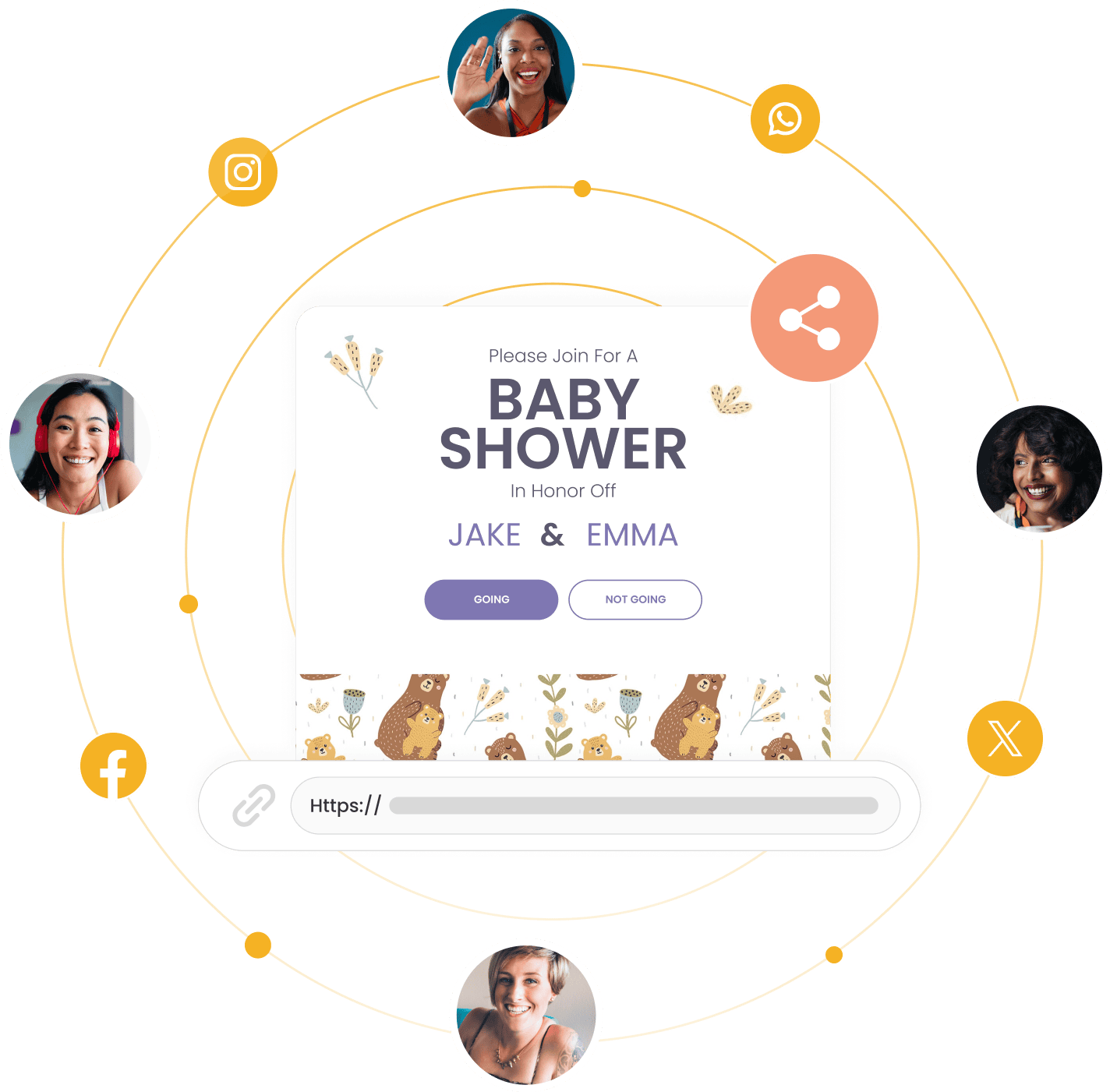
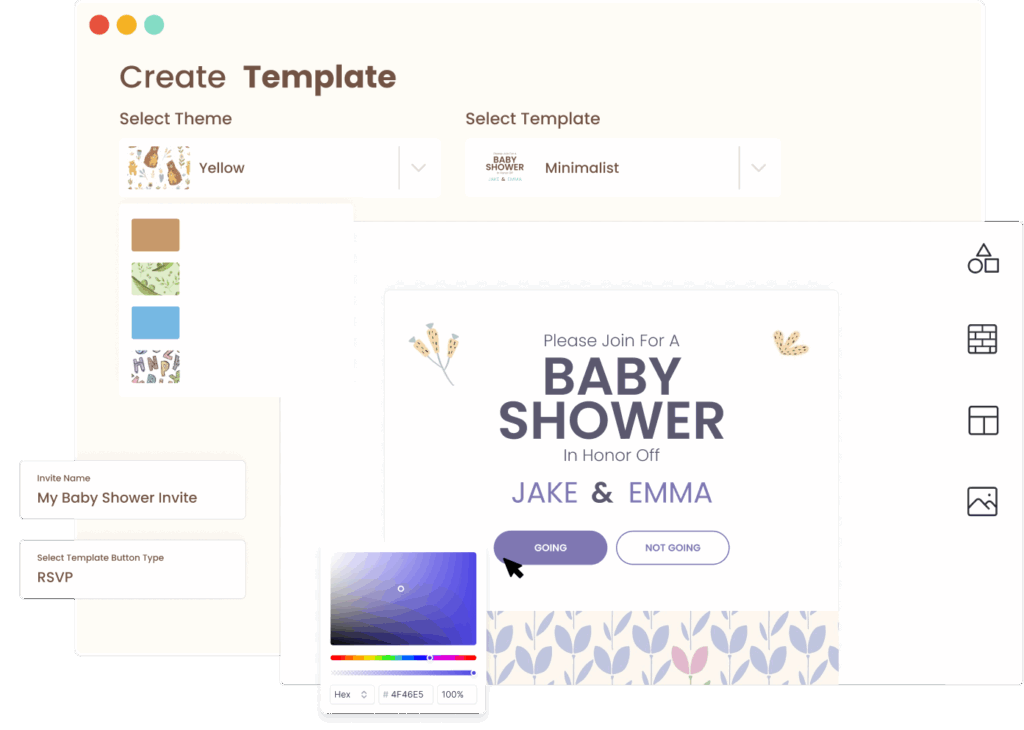
Invites are not just how you let people know, they are also your update tool. You need a website that comes equipped with free themes and customizable templates, which can be sent to an unlimited number of guests. This is why we build our tool to have all of that standards for every plan.
You should easily be able to share everything on different apps like Facebook or Twitter and across devices if possible.
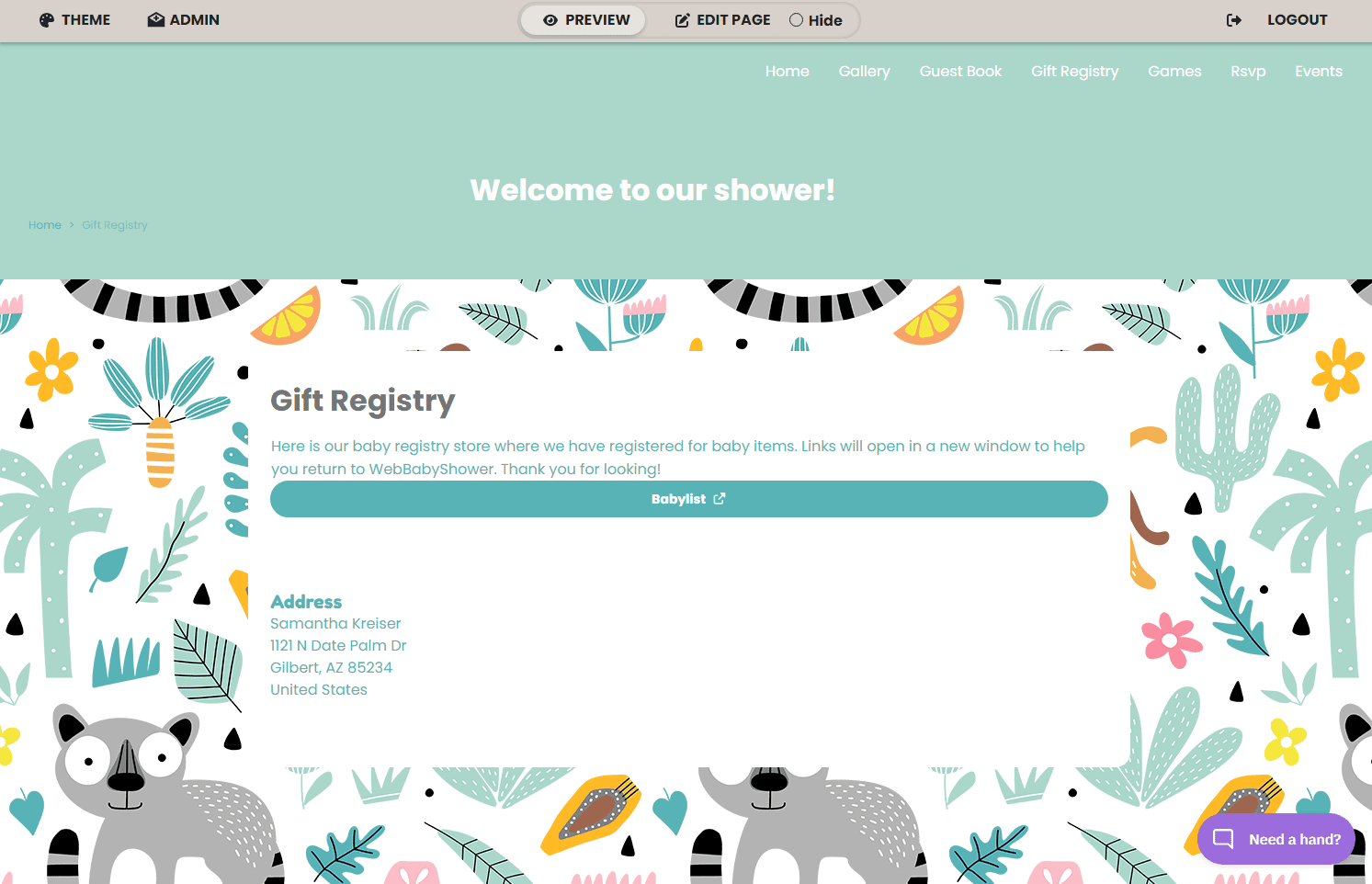
2. Gift registries
During her pregnancy, it’s possible Mom already started her baby registry and has every gift a pregnant mom could need on it since she has time. Since mom needs a gift registry, it’s important that the website has space to link to it so guests can easily purchase or get gift ideas from it. You can use it to track who sent gifts and get a head start on creating thank-you notes for them.
3. Video chat service
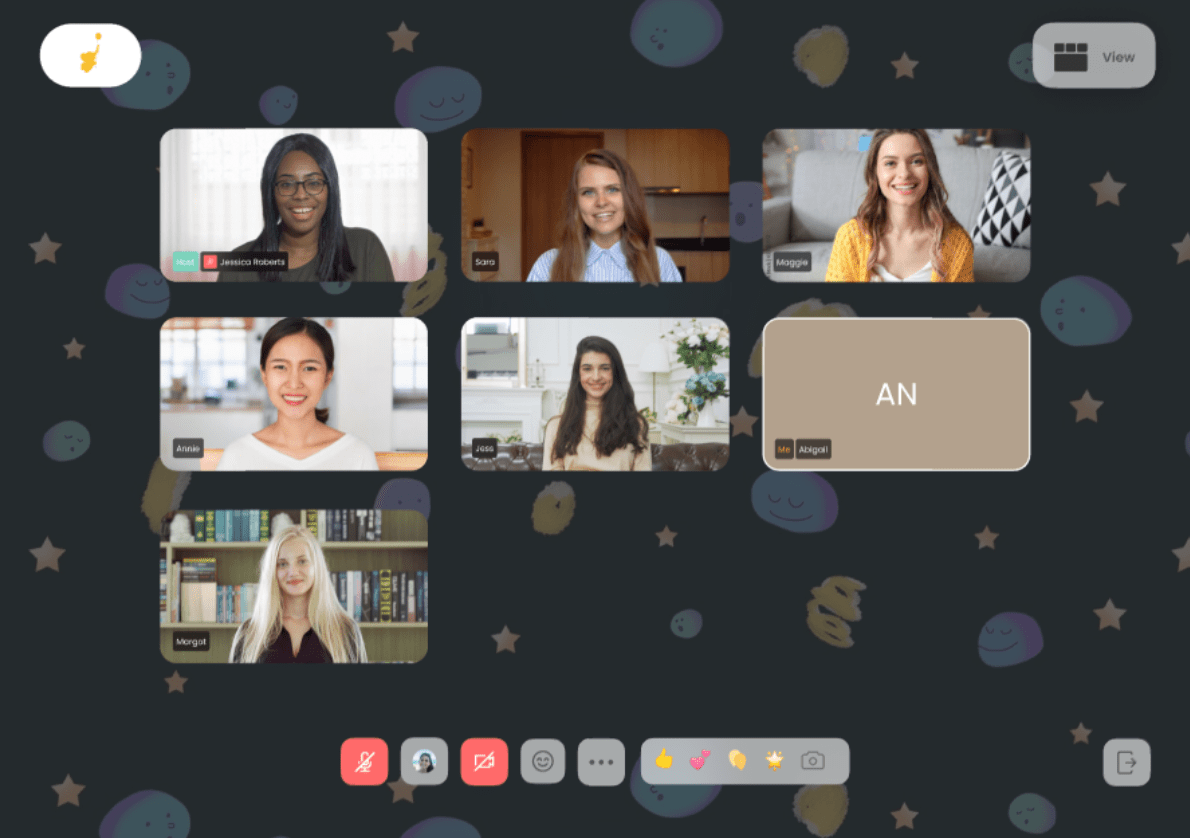
Video chat is one of the most important features of your virtual shower platform since this is how everyone will gather and take part in your online event. The baby shower site you choose should integrate with popular video platforms. Or even better, it should have a built-in video chat designed for a complete virtual baby shower experience.
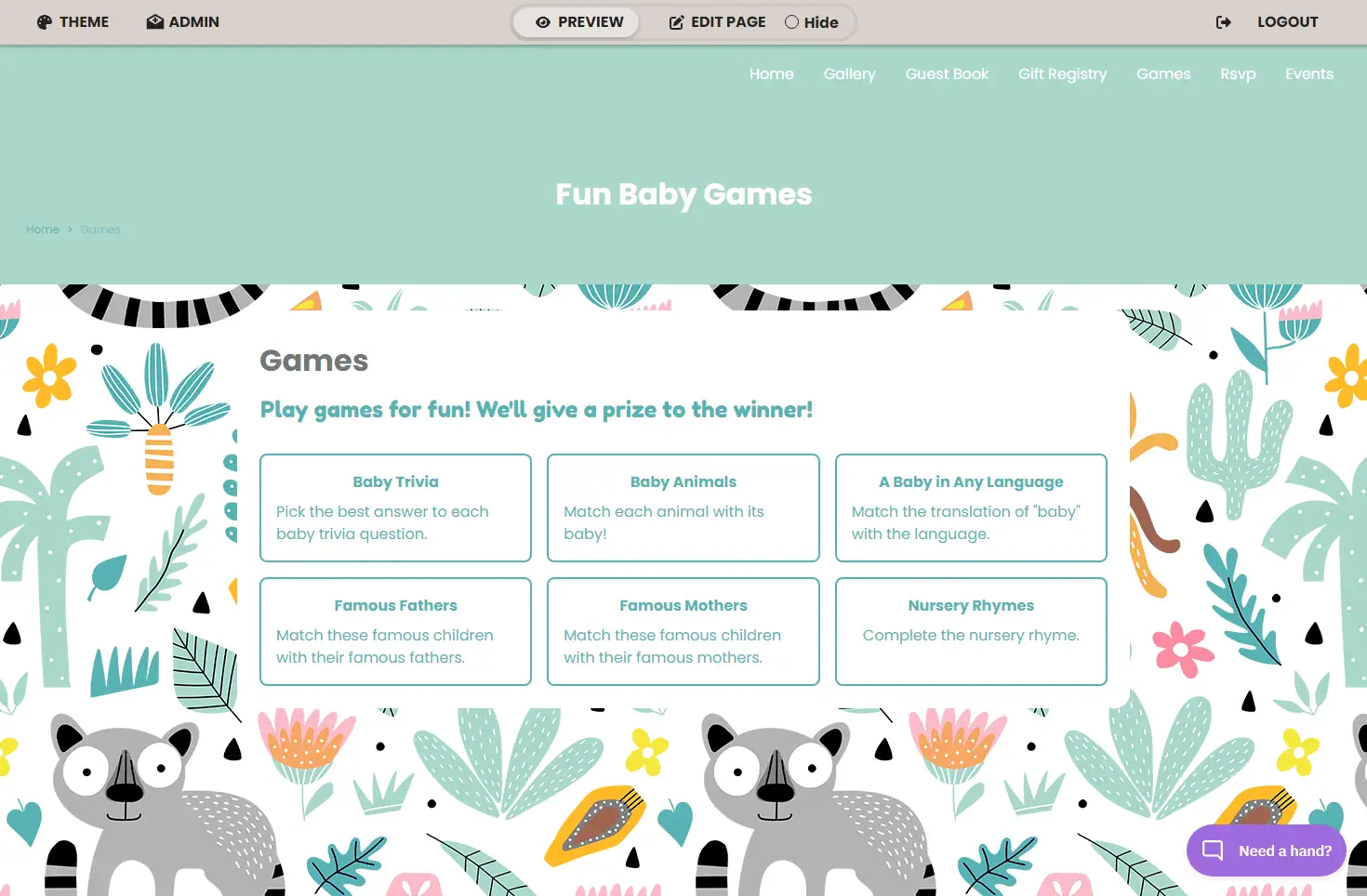
4. Games
Virtual baby showers aren’t complete without games; so a website that makes hosting games easy is definitely preferred. Guests love games and it’s really not a party without them. BabyList suggests activities that stop awkward pauses during the video call and make guests feel comfortable.
5. RSVP
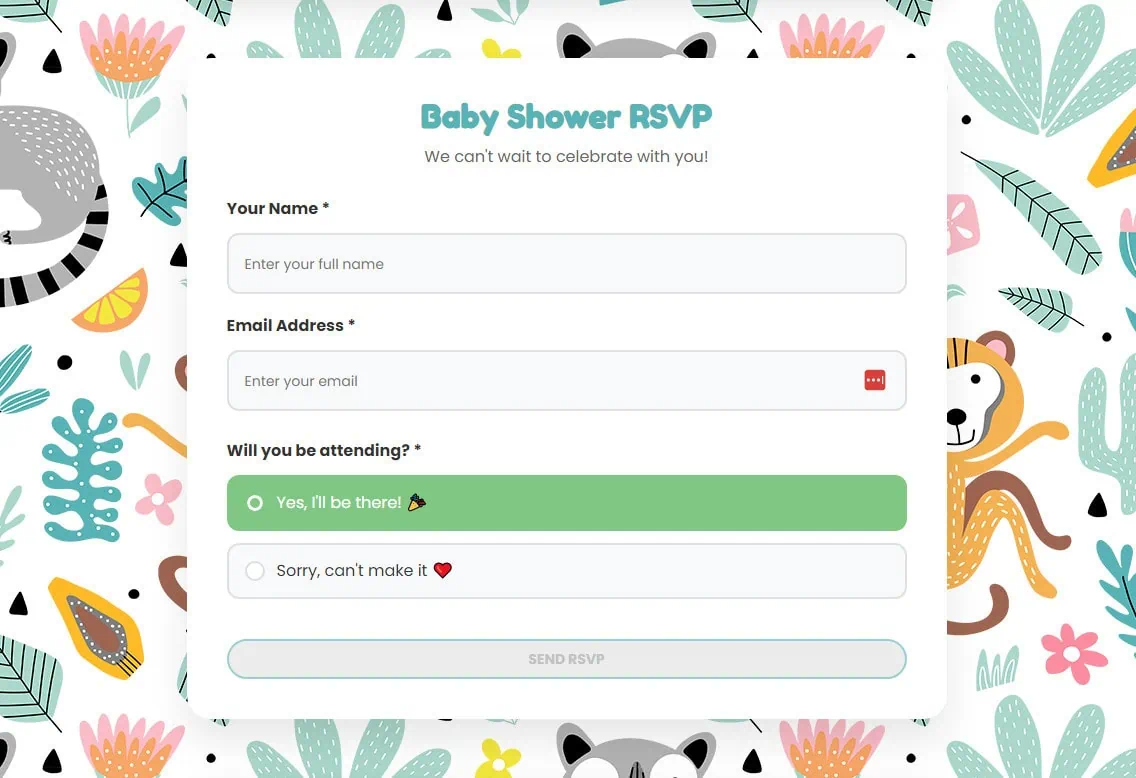
To keep things running smoothly with your party planning, you should look for an RVSP feature, which can alert you of whether or not your invited guests will be able to participate. A week before the event, you will appreciate this especially when you know all of the guests who intend to share the day with you and the mom-to-be.
A feature that can let you know your guests’ response if they can join the shower or not is also good.
6. Co-Host
Sometimes, moms will have a co-host to help facilitate things so they can enjoy more of their own baby shower. The website should allow co-hosts to access administrative privileges to help plan the party.

7. Easy to use
It’s important to choose a website that is simple and straightforward. Especially if you’re a bit technologically challenged! It also needs to be straightforward for the guests, e.g. the games should not be complicated and you shouldn’t need specific devices to use any of the services.
8. Reasonable Price
Above all, you should choose a website that is affordable. One big perk of having a virtual baby shower is the decrease in expenses; you don’t want to spend all of the money you save on your website.
9. Baby Shower App
A virtual baby shower platform with a baby shower app is an added bonus. This will help your guests feel more engaged in the shower by letting them access it anywhere they go.Guests will visit the baby shower website more from their phones. With an app they can easily see your registry, play games, plan a group gift, and more.


Read Article : Why WebBabyShower could be your perfect choice for a Virtual Baby Shower Platform
Using Zoom, Google Meet, or Skype for your virtual baby shower
If you’ve read other virtual baby shower guides, you’ve probably seen Zoom, Google Meet, and Skype recommended as “platforms.” They aren’t really platforms — they’re video chat tools. You can absolutely run a shower over Zoom: invite guests via a calendar link, hop on at the scheduled time, and play games over screen share.
The catch is everything around the call. A video tool doesn’t track RSVPs, doesn’t host your registry, doesn’t store the gift photos guests sent ahead, doesn’t email a replay link to anyone who couldn’t make it, and doesn’t run the games for you. You end up stitching together a video app, an invitation site, a registry, a game generator, and a Google Doc to keep track of it all.
A dedicated virtual baby shower platform handles all of that in one place — which is why most hosts who try the DIY route in their second shower switch to one.
Virtual Baby Shower Platforms
WebBabyShower
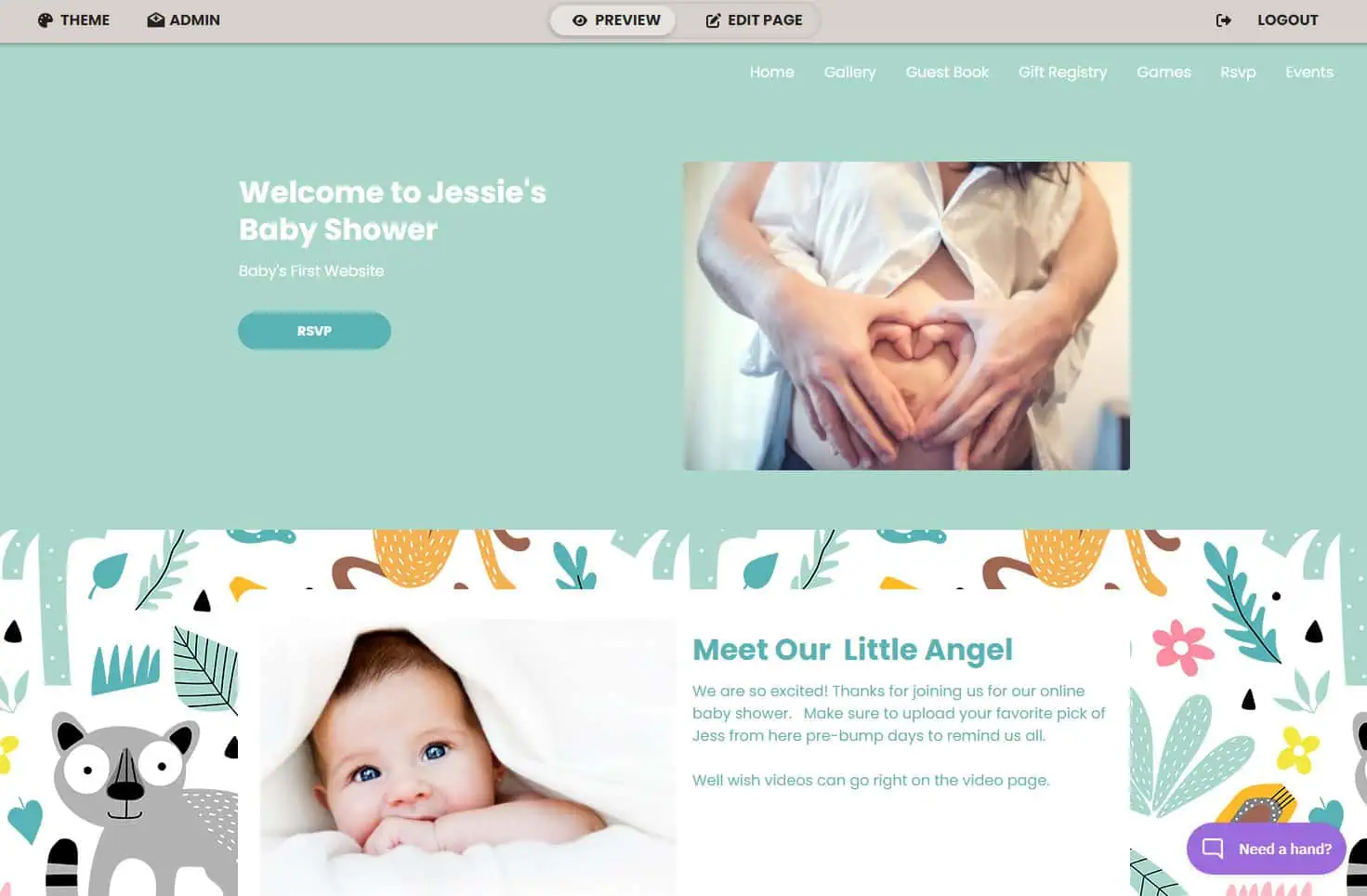
With WebBabyShower all of your guests can join in on the fun of your baby shower no matter where they live in the world. Don’t let distance stop you from celebrating with friends and family.
You can do so much with WebBabyShower – create a personalized website, share stories and photos, connect with guests via built-in video calls, play games, and more.
With WebBabyShower you get a:
- Built-in video chat – WebBabyShower’s built-in video chat that seamlessly integrates matching shower themes, emoji reactions, and screen captures (for those gender reveal moments). The instant-on features also make video calls super easy. No more business-like videos for your party.
- Baby shower app – Our mobile app for guests features a built-in video chat, guest-to-guest messaging, guest profiles, and more.
- Built-in baby shower games – WebBabyShower offers more than 40 games, making it easy to choose the best games for your crowd. Select from in-app quiz games (like Guess Who Mommy or Daddy), slide-based games (like Labor or Horror or Jeopardy), and printable PDF games (like Bingo). All of our games are included with your one-time setup fee (no hidden charges).
- Completely personalized baby shower website – You have full control of your WebBabyShower website. Add personalization to your website pages, photo and video galleries, theme options, guest lists, email invitations, co-hosts and more to make it completely your own.
No limit to the number of guests – There is no limit to the number of guests you can invite to your WebBabyShower. Whether you have 10 or 1,000 family and friends, keep everyone up to date about your special moment. We have a built-in email invitation service to help you spread the love as far as you can.
Web Party Time (now closed)

[left for archival reasons : service closed ]
Read Article: WebBabyShower Vs Web Party Time
Platforms That Can Be Used for a Virtual Baby Shower
| 2026 Prices | Guest limit | Invites | RSVP | Video Chat | Games | Ad-free | |
|---|---|---|---|---|---|---|---|
| WebBabyShower | $79 for 6 months | Unlimited | ✅ | ✅ | ✅ | ✅ | ✅ |
| Wix | Free / from $19 per month | No fixed limit | ✅ | ✅ | ❌ | ❌ | ❌ (free plan) |
| EventCreate | Free / from $50 per month | From 50 attendees per event | ✅ | ✅ | ❌ | ❌ | ✅ |
| Basic Invites | Free | Unlimited | ✅ | ✅ | ❌ | ❌ | ✅ |
| Evite | Free / $249.99 per year | Up to 2,500/event with Pro | ✅ | ✅ | ❌ | ❌ | ❌ (free plan) |
| Paperless Post | Free / from $25 per 50 guests | No fixed limit | ✅ | ✅ | ❌ | ❌ | ✅ |
| Punchbowl | From $3.99 per month | Up to 50 guests/event (lowest plan) | ✅ | ✅ | ❌ | ❌ | ❌ |
| Green Envelope | From $19 per event | Up to 20 guests(lowest plan) | ✅ | ✅ | ❌ | ❌ | ✅ |
Before we go through each platform individually, here’s the quick-scan answer: only WebBabyShower includes both video chat and built-in games in one place. Every other platform on this list handles invitations and RSVPs well but expects you to bring your own video tool and your own games. For the head-to-head feature breakdown — guest limits, ad rules, credit-card traps, RSVP tracking, games, and video — see our side-by-side virtual baby shower platform comparison.
1. Wix
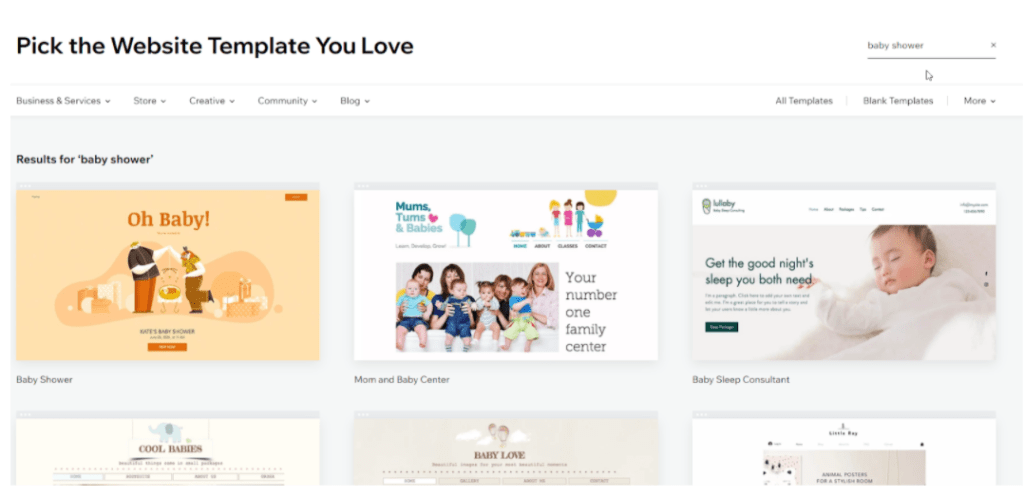
Wix is a classic template website builder. It’s been around for years and is a trusted option for millions of users around the world. With Wix, you can choose from industry-specific templates and the drag-and-drop editor.
There are free options available, but if you want a custom domain you must upgrade to a premium account.
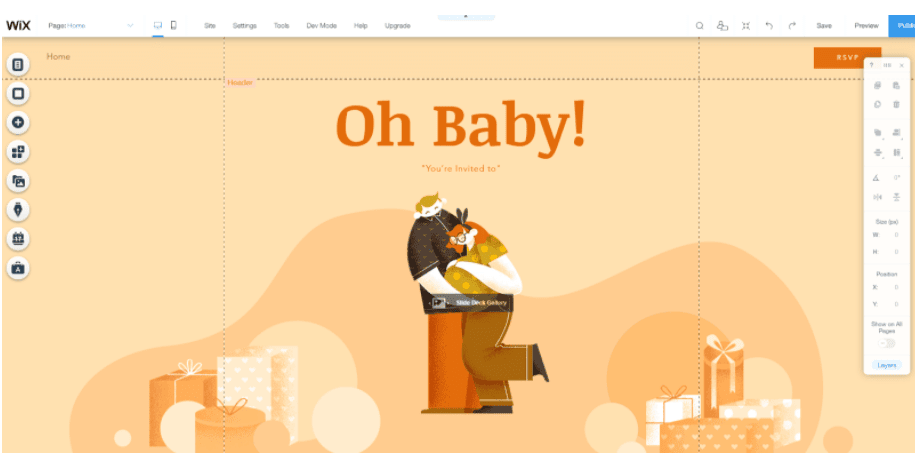
Example format of a free Wix Domain
Link opens in a new tab: https://sarahjacobs.wixsite.com/mysite
What I liked
Wix is a great option for people on a budget to build a website who have experience with professional tools. It has free plans available, so anyone can set up a website for a party. It also has a digital RSVP feature – even for free plans. It’s focused on building complicated websites for business, so it can do a lot.
How we tested: I signed up for each platform on this list, built a sample baby shower page, and sent real test invites to check the guest experience end to end — RSVP flow, video call quality, and any surprise costs at checkout. Prices and free-plan limits were last verified in May 2026. WebBabyShower is our own product, so we’ve flagged that clearly — but every competitor’s pros and cons come from the same hands-on test.
Cons
Unfortunately, Wix only has one baby shower template available so might stifle some of your big baby shower ideas. First-time users might also find it hard to understand all of the functions and applications, so it’s not quite as simple as most drag and drop.
Many of Wix’s add-ons are also expensive & it has no event features beyond rsvp.
2. EventCreate
EventCreate is a digital event website maker that lets you create a free one-page website with limited features. It is much less complicated than Wix to set up, which might make it attractive to some for a simple one page site.
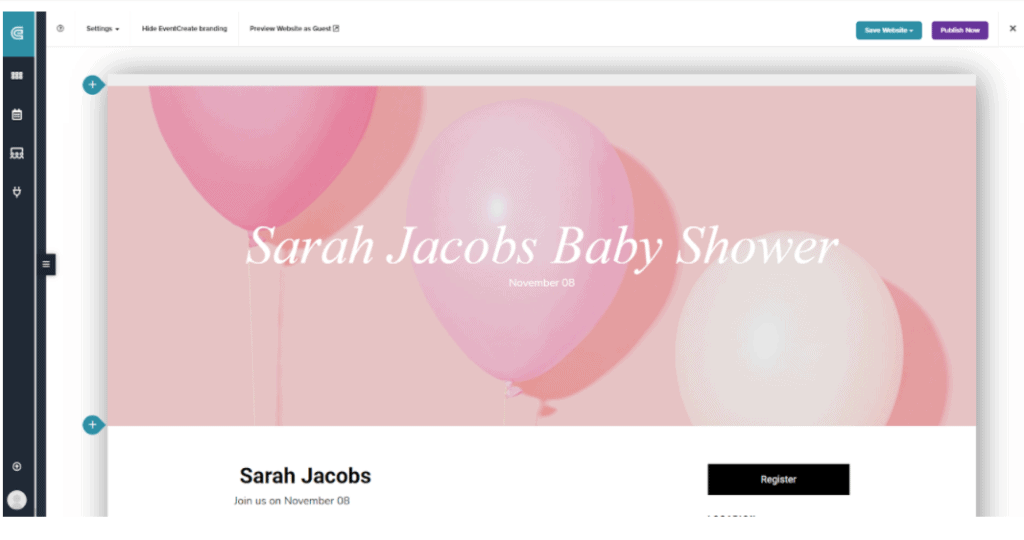
This is what a free platform domain looks like:
The link opens in a new tab: https://sarahjacobs.eventcreate.com
What I liked
EventCreate is great for users looking for a free option that’s easy to use and will save you time, though it does have paid tiers. It also allows you to send invites and collect RSVPs on your website with ease, and add links to your website. One unique feature I really love is the ability to view the analytics of site visitors.
How we tested: I signed up for each platform on this list, built a sample baby shower page, and sent real test invites to check the guest experience end to end — RSVP flow, video call quality, and any surprise costs at checkout. Prices and free-plan limits were last verified in May 2026. WebBabyShower is our own product, so we’ve flagged that clearly — but every competitor’s pros and cons come from the same hands-on test.
Its drawbacks
If you want to utilize the invite system, you have to upgrade to the paid version – and you know what that means: added costs and added time. There’s also no co-host feature or way to integrate a video chat service.
Of all their themes, there’s only one baby shower option which the pregnant mom might not be thrilled about, and no gift registry either. Is EventCreate right for your shower? Check this article!
3. Basic Invite
Basic Invite is an invitation-design tool with strong customization and unlimited free guests on the free tier. It does track RSVPs.
The trade-offs: there’s no built-in video chat, and there are no built-in games — you’d need to layer in a separate video tool and source games yourself. Good fit if your shower is mostly about beautiful printed-style digital invites and you’re handling the actual party elsewhere.
4. Evite
Evite is one of the most recognizable invitation platforms and offers unlimited free guests. It now includes a basic video chat option, which is more than most invitation platforms.
The trade-offs: guests see ads on the free plan, the video experience is minimal compared to Zoom or a dedicated platform, and there are no built-in games. Solid choice if you want everything-in-one-place but are okay with a stripped-down video experience.
5. Paperless Post
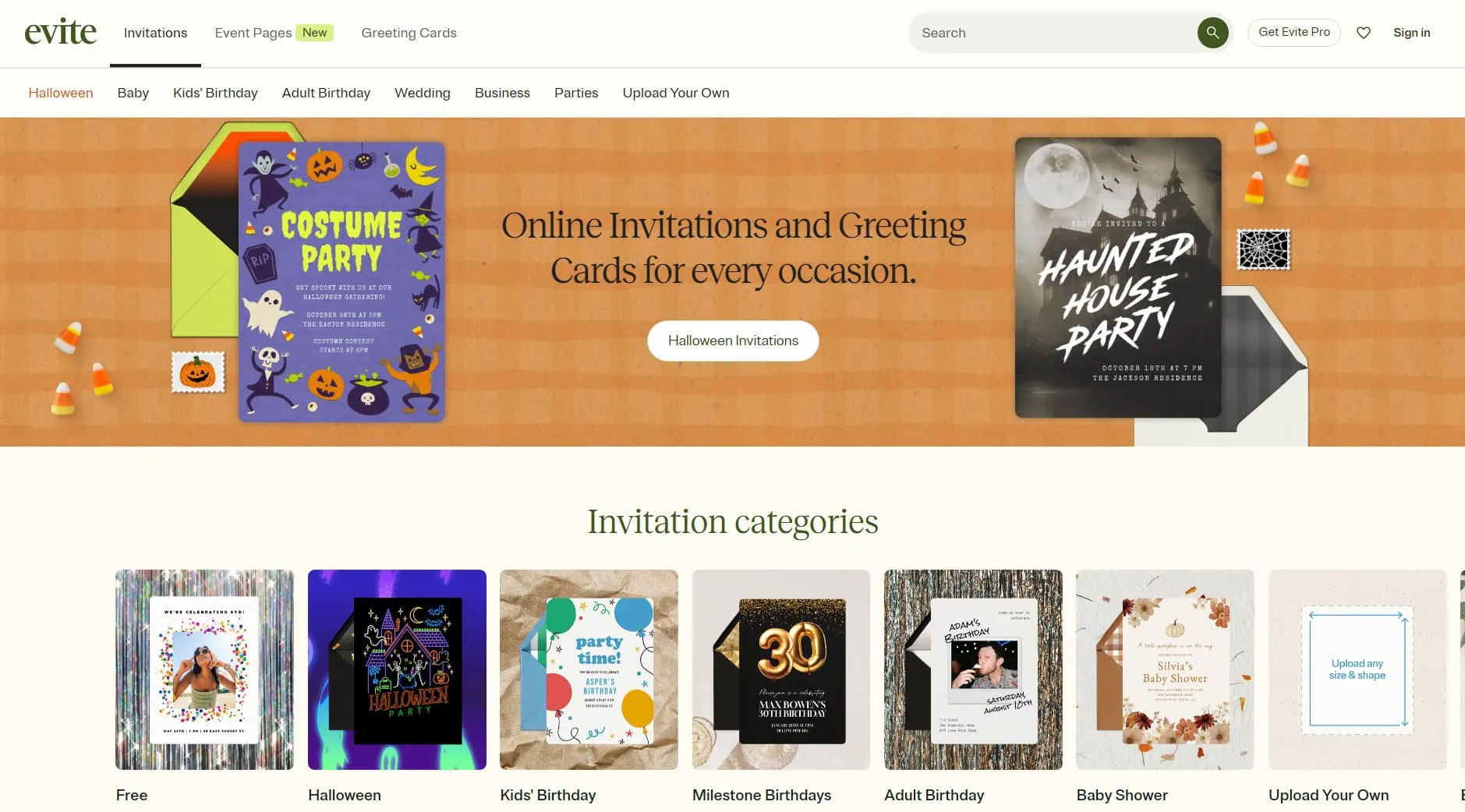
Paperless Post is the design-forward invitation platform — invitations look genuinely elegant and there are no ads. RSVP tracking is included.
The catch is the pricing model: you get free invites for 50 guests, then 1 coin per extra guest which costs $0.48, but the good thing is the more guests you invite, the less you pay per guest. There’s no video chat and no games built in. Best if guest count is small and you care most about the invitation’s visual quality.
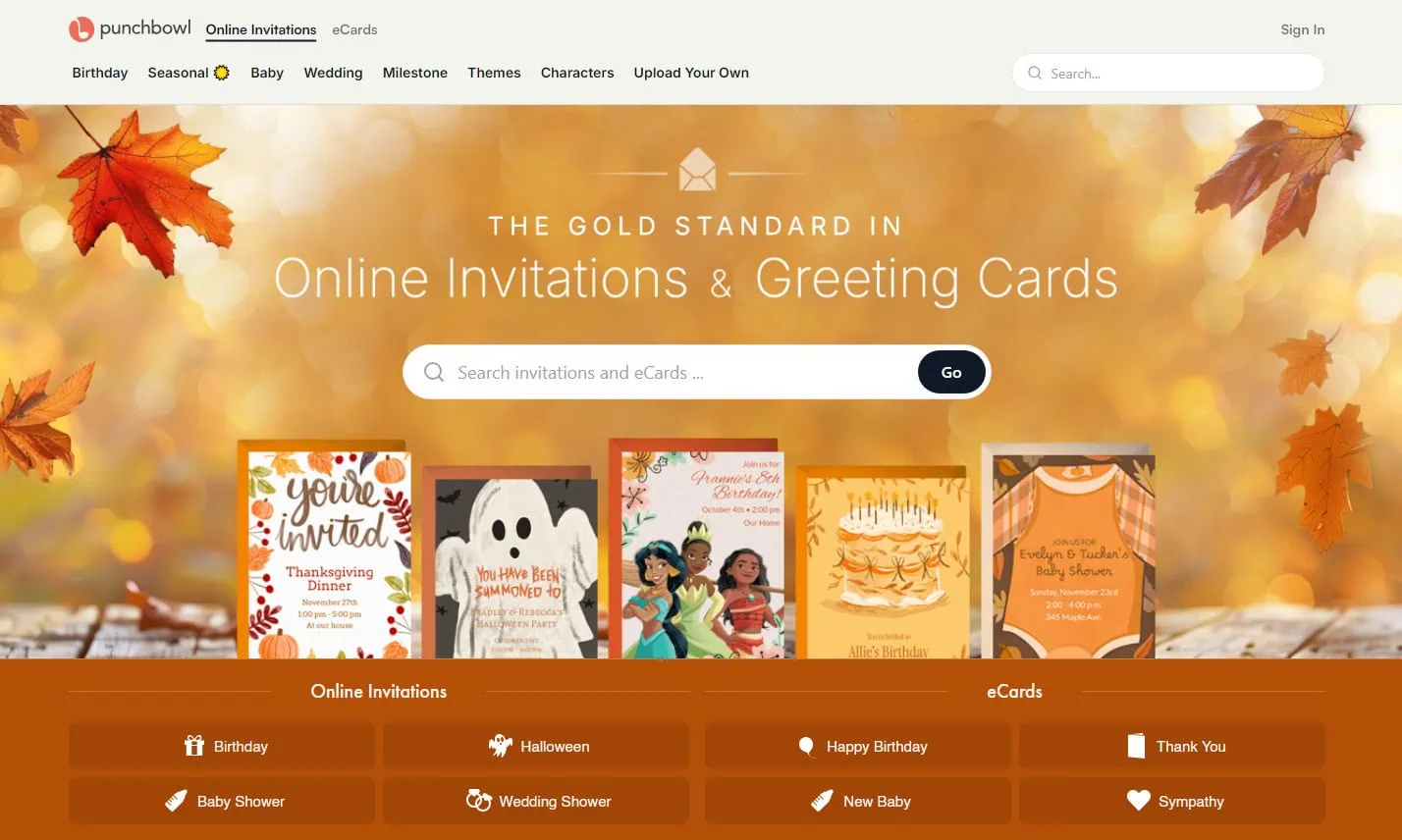
6. Punchbowl
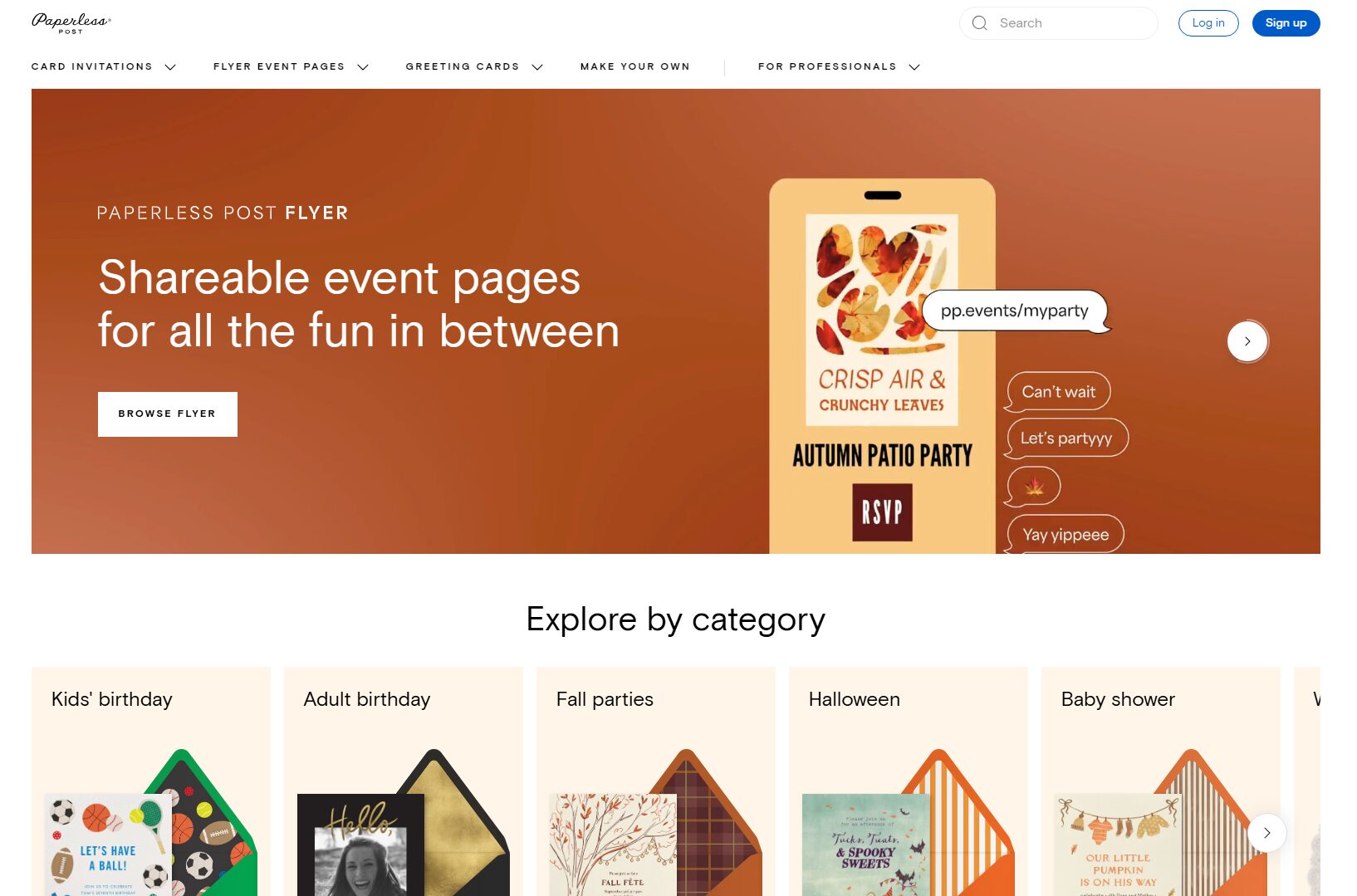
Punchbowl offers a full invitation and event-management feature set. The thing to watch is the trial structure: the free version is only 7 days, then auto-bills your credit card. If you forget to cancel, you’re paying. Free tier shows ads. No video chat, no games. Worth considering if you’re willing to pay for a polished experience and remember the trial end-date.
7. Greenvelope
Greenvelope is an invitation site with no ads, no credit-card trap, and RSVP tracking. Unfortunately the free plan caps guests at 10, which is a tight limit for a baby shower — most have 20–40 attendees. No video chat, no built-in games. Reasonable for very small showers where you don’t expect more than 10 guests.
Want to see all of these head-to-head on one screen? Our virtual baby shower platform comparison table lays out ads, guest limits, credit-card traps, RSVPs, games, and video chat across all six platforms.

Should you use a Free Website Maker or a Virtual Baby Shower Platform for your Party?
Whether you choose to build your own shower with a free website maker, or go the professional route and pay a baby shower platform to do it for you, each option will come with pros and cons.
As the host or mom, you need to review each one and choose which of these services you like.
Which Is Cheaper?
There are free website options out there, but many are lacking in the features needed to create a truly unforgettable baby shower party experience. Free website options are pretty bare-bones as far as aesthetics go, so be prepared for a bland meeting space that probably can’t be customized.
To truly get a unique, immersive experience, with a website, you’re going to have to pull out your wallet and pay a host, buy a theme, add-ons, and perhaps even a professional to put it together for you.
Save yourself some headaches and choose a company like WebBabyShower, who’ve done all of the heavy liftings, and can supply you with everything you need for an affordable price!
Which Is Easier To Use?
If you have ever used one of these relatively new Website builders, you may have realized, they are pretty easy to use, but there’s still a bit of a learning curve as a new user. You don’t want your baby shower party to be the event that propels you into learning how to set up a website – there’s too much at stake – you will find you used all your time up learning a new skill instead of throwing a party!
Plus, most baby showers aren’t set up by the new parents, they’re set up by one of their mothers, aunts, or older sisters. Older generations usually aren’t as tech-savvy as their younger counterparts and aren’t used to digital services, so it might not be realistic to expect them to throw a virtual baby shower at all.
Meanwhile, purchasing and customizing a package by WebBabyShower eliminates all of the guesswork that goes along with planning and saves time. The company was created with the user in mind!
Which is more convenient- Especially for the Mom or the Host?
Even if you decide that things like professional features and affordability aren’t important to you, surely your time is! If you choose to use a free or paid website or website builder, you’ll have to at least spend a few hours perfecting it, then invest more time as a user trying to maintain and keep it up to date.
A virtual baby shower platform like WebBabyShower already has it all, however. Everything from your invite system, shower themes, baby registry links, games, a guestbook to sign, and baby shower printables – if you need it, they got it! If time is against you and you only have a week, no worries, a new user can get this set up in 60 seconds!
Instead of having to purchase a website, and purchase additional themes and plug-ins, this platform comes with everything needed! You won’t have to jump around between multiple websites and platforms, because it’s all, conveniently, in one place.
What I like about Free Digital Website Makers – a quick review
Free website builders do have a few pros of their own. For starters, they’re at least partially customizable, though some come with more features than others. And the end result usually ends up looking well-polished and professionally done.
What I like about Virtual Baby Shower Platforms like Ours
Baby Shower Platforms, such as WebBabyShower, are built with the virtual shower experience in mind. Therefore, there is no guesswork or head-scratching involved.
Speaking for WebBabyShower, specifically, it comes packed with pre-made themes to satisfy every mood and temperament. It’s also very user-friendly, so setting up is easy! Since it is specifically for baby showers, you can choose not to customize or edit it anymore, and just let the whole design or theme of the website and other features stay the same. This is an advantage for non-techy people not used to going virtual for anything or those who don’t have time to devote to setup. Guests don’t need a login which saves them time and can easily take part in the shower, like buying a gift for the pregnant mom from the registry, for example, this can be done on any of their devices.
Most importantly, WebBabyShower is transparent about pricing and what features come along with each tier so a potential user can save time on budgeting and spend more time on baby shower ideas.
If you’re interested in getting a closer look at some of the website builders like EventCreate and platforms available to host your baby shower, then check out our list!
Frequently Asked Questions
How do you host a virtual baby shower?
Pick a date and time, send digital invitations with the call link, plan a 60–90 minute schedule (welcome → games → gift reveal → toast), and choose either a video tool plus separate invitation/registry sites or an all-in-one platform that handles everything. For the all-in-one approach, see how WebBabyShower works.
Who hosts the virtual baby shower — mom-to-be or someone else?
Traditionally a close friend, sister, or family member hosts so the mom-to-be can relax and be celebrated. With virtual showers it’s even more important because someone needs to drive the call, run the games, and keep things moving. The host doesn’t need to be tech-savvy — most platforms are designed for non-technical hosts.
How long should a virtual baby shower last?
60–90 minutes is the sweet spot. Shorter feels rushed if you want time for games and a gift reveal. Longer than two hours and energy drops, especially on video. Send a rough agenda with the invite so guests know what to expect.
Can I use Zoom or Google Meet for a virtual baby shower?
Yes — for the video portion. But you’ll still need a separate way to send invitations, track RSVPs, host the registry, manage games, and share photos and a replay with guests who couldn’t attend. A dedicated baby shower platform combines those into one place; using Zoom alone means stitching three or four tools together.
Is Web Party Time still available?
No. Web Party Time has closed and is no longer accepting new accounts. If you were comparing WebBabyShower to Web Party Time, WebBabyShower is the active alternative — see our feature comparison for how it stacks up against the platforms that are still operating.
Is there an extended-length or multi-day virtual baby shower option?
Yes — with WebBabyShower, the shower site stays live before and after the live event, so guests can RSVP, leave messages, view gift photos, and watch the replay for weeks rather than a single one-hour window. This is especially useful when guests are spread across time zones.